A Note From The Maker
Why INT.EXT Exists
I built INT.EXT because I wanted a screenwriting app that treated writing as the main event. Not project management, not production logistics, not AI-generated pages. Just a quiet, reliable place to draft a film screenplay, keep ownership of the work, and stay inside the scene.
The app is designed for the part of screenwriting where trust matters most: the page has to format correctly, imports have to be inspectable, exports have to be usable, old drafts have to be recoverable, and the tool has to stay out of the writer's voice.
What Makes INT.EXT Different
- It is for writing film screenplays, not running a production office.
- It keeps the writing surface quiet and keyboard-led.
- It treats
.intxas the owned project file, with browser recovery and export as safety nets. - It imports FDX and Fountain as entry points, then saves the working draft as INTX.
- It can classify, compare, retrieve, and present facts, but it does not generate screenplay prose.
Start Or Import
After invited beta login, start with a blank screenplay, open an existing INTX project, or import a Final Draft .fdx or Fountain file. In the browser edition, the import becomes an editable INT.EXT draft. Saving downloads the canonical .intx project file.
New Screenplay
Use New for a blank local draft. Feature Screenplay and Short Film starts keep the app focused on film writing only.
Open INTX
Open a native .intx project when you want to continue from the owned project file.
Import Health
After an import, check Import Health to see recognized scene headings, character cues, dialogue, skipped styles, and dual-dialogue evidence.
Write On The Page
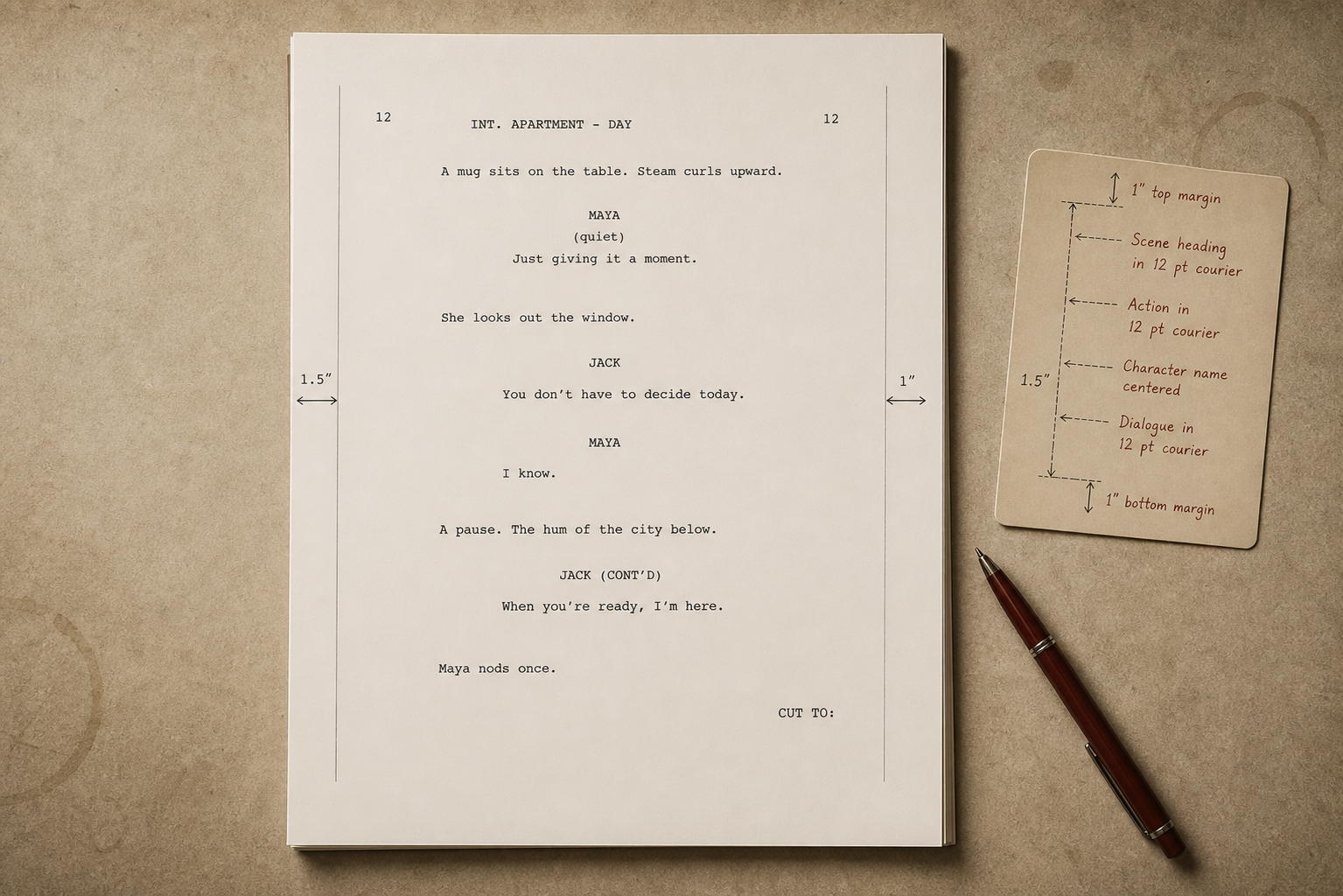
The central page is the product. INT.EXT uses screenplay blocks for scene headings, action, characters, dialogue, parentheticals, and transitions. Return, Tab, the element picker, and the command menu help you move through screenplay form without turning writing mode into a control panel.
Scene headings: use film heading forms such as INT., EXT., and I/E..
Dialogue flow: character cues, dialogue, parentheticals, and cue suggestions keep formatting structured.
Measured pages: page status follows the rendered screenplay page rather than a plain text estimate.
Focus Mode: trims the chrome when you want the page to be the whole room.
Own The File
INT.EXT runs in the browser, but ownership still matters. Browser storage helps with recovery, while the owned artifact is the .intx file you save. PDF, FDX, and Fountain are exchange exports for sharing, printing, and moving between tools.
- Use Save INTX for the canonical project file.
- Use Export PDF for screenplay pages.
- Use Export Final Draft or Export Fountain when another tool needs an exchange copy.
- Use Recent Local Work when you need browser recovery drafts, INTX backups, or local copies.
Rewrite Safely
Rewriting is a first-class workflow. Save Draft Version keeps snapshots. Draft Versions compares saved drafts beside the current draft. Draft Desk lets you write beside an older source draft without replacing the live screenplay until you explicitly start a clean rewrite.
Draft Desk
Use the older/source draft rail to inspect scenes, insert material, or replace the current scene deliberately.
Scene History
Review previous versions of the current scene and bring back the version you need.
Cut Bin
Recover deleted blocks so cutting material does not feel like falling through a trapdoor.
Feature Reference
Command Menu
Open commands for start, writing, drafts, The Table, safety, import, and export actions. Search, use arrow keys, and press Enter to run the selected command.
The Table
A private writer-facing surface for scratch notes, names, held lines, and in-draft material. It organizes exact material; it does not generate screenplay pages.
Script Map
A factual map of scenes, current-scene facts, page information, characters, locations, props, and jump-backed evidence.
Script Report
A factual report for character trails, object trails, repeated phrases, long beats, scene facts, and current-scene scope.
Characters, Locations, Props
INT.EXT builds quiet lists from dialogue cues, scene headings, and visible objects. Rename, alias, hide, and occurrence controls keep the writer in charge.
Notes
Add private notes to the selected beat. Notes live with the project and remain writing-adjacent rather than becoming a production system.
Title Page
Edit title, credit, author, source, draft date, copyright, and contact details saved inside the INTX project.
Dual Dialogue
To create dual dialogue, write two speeches one after the other, put the cursor in either speech, then open Commands and run Dual Dialogue. INT.EXT groups them as one two-column beat; the grouped beat is preserved atomically for import, export, drafts, and inserts.
Revisions
Early revision tools support locking a draft and managing revision sets, while deeper shooting-script tools remain deliberately later.